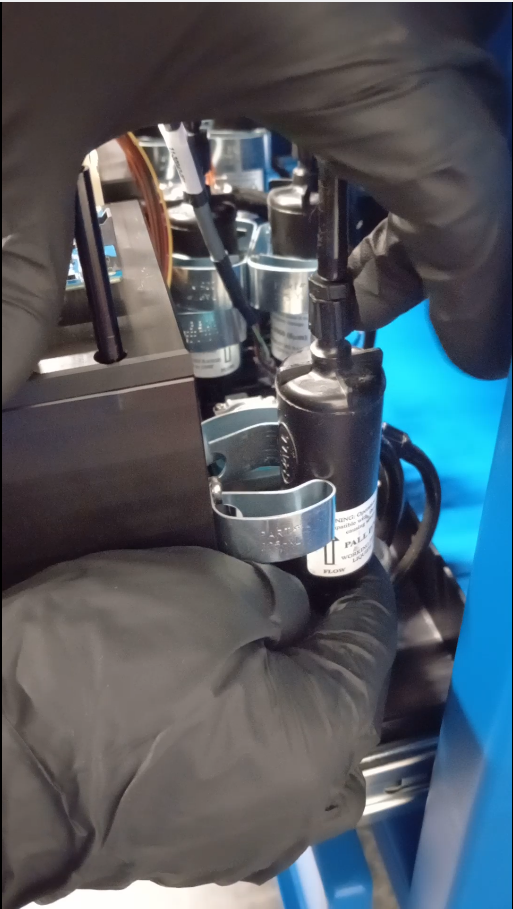
Maintenance Guide
Caution
Eyes harzard. Risk of eye injury.
(PPE) Personal Protective Equipment required. Wear safety glasses and nitrile gloves.
Important
The customer is responsible for all the items on the checklist and must to follow all the procedures related below to ensure good equipment operation and quality output jobs.
Daily Maintenance Requirement
Important
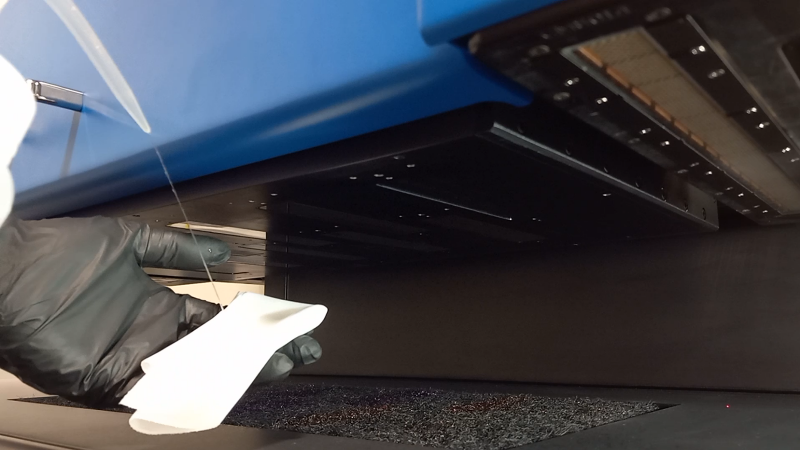
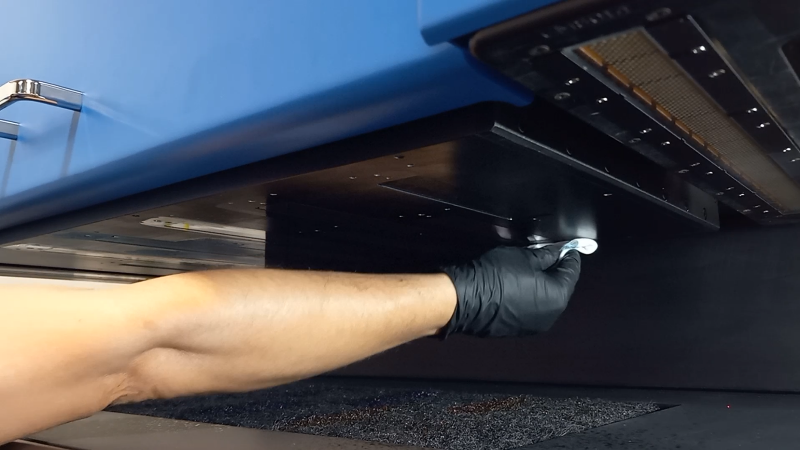
Wipe the heads with lint free embed TruFire Flush. Follow the [Video] for a full reference xxxx
Important
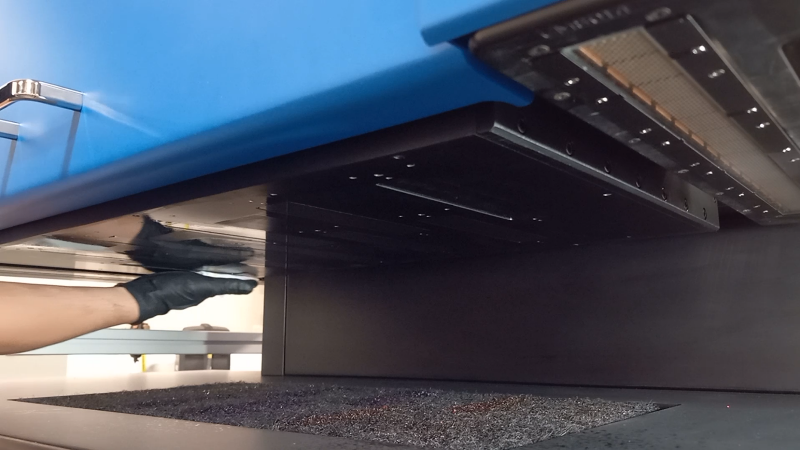
Wipe the printhead plate with lint free embed Trufire Flush. Follow the [Video] for a full reference xxxx
Caution
Do not leave the printheads with flush for long period of time. Prime the heads is mandatory after wiping the printheads with flush.
Important
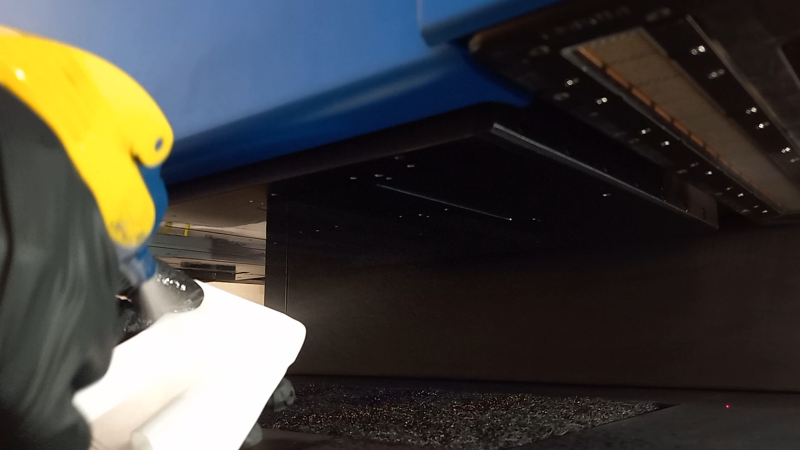
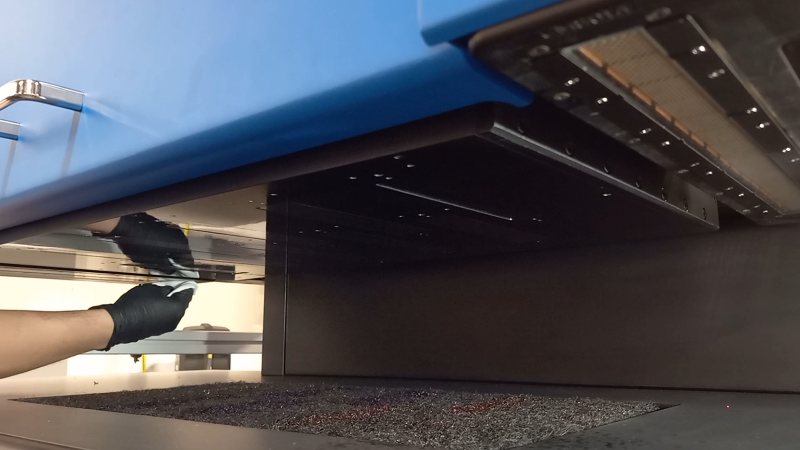
Wipe the UV lamps with lint free embed IPA (isopropyl alcohol 99%) Follow the [Video] for a full reference xxxx
Important
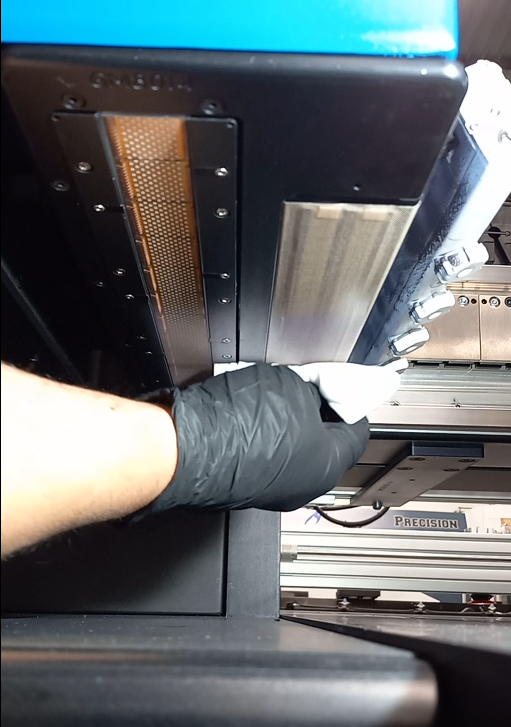
Wipe the head crash sensors with lint free embed IPA (isopropyl alcohol 99%) Follow the [Video] for a full reference xxxx
Important
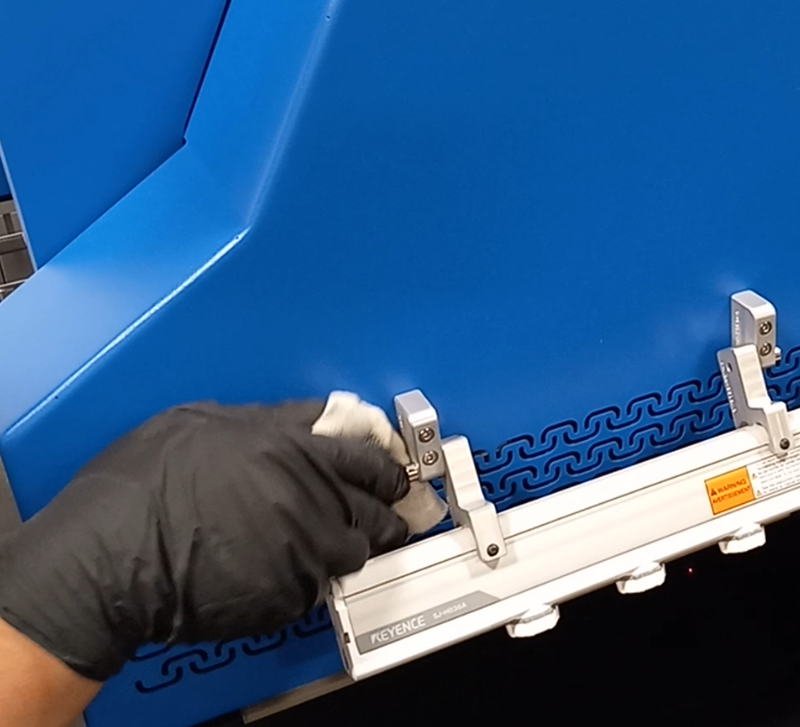
Wipe the lamp covers with IPA alcohol.
Important
Wipe the home area with IPA alcohol.
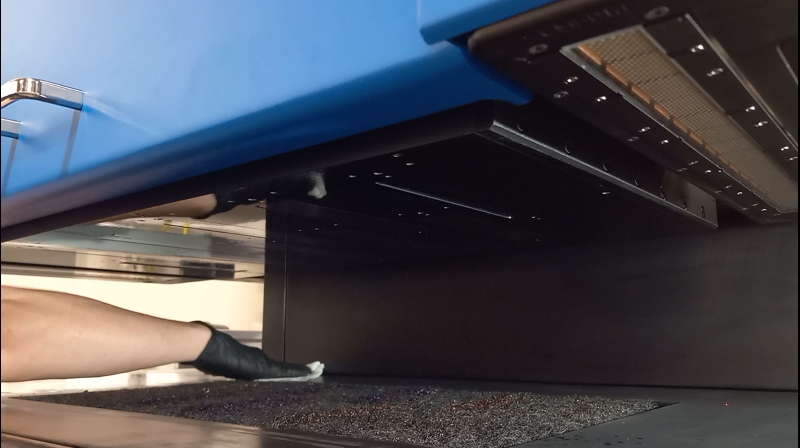
Important
Remove cure ink residues from the table. Follow the [Video] for a full reference xxxx
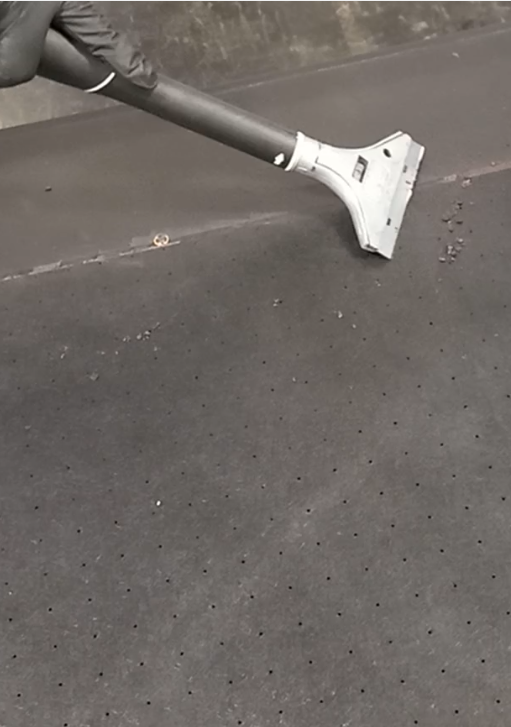
Important
Remove cure ink from the pins. Follow the [Video] for a full reference xxxx
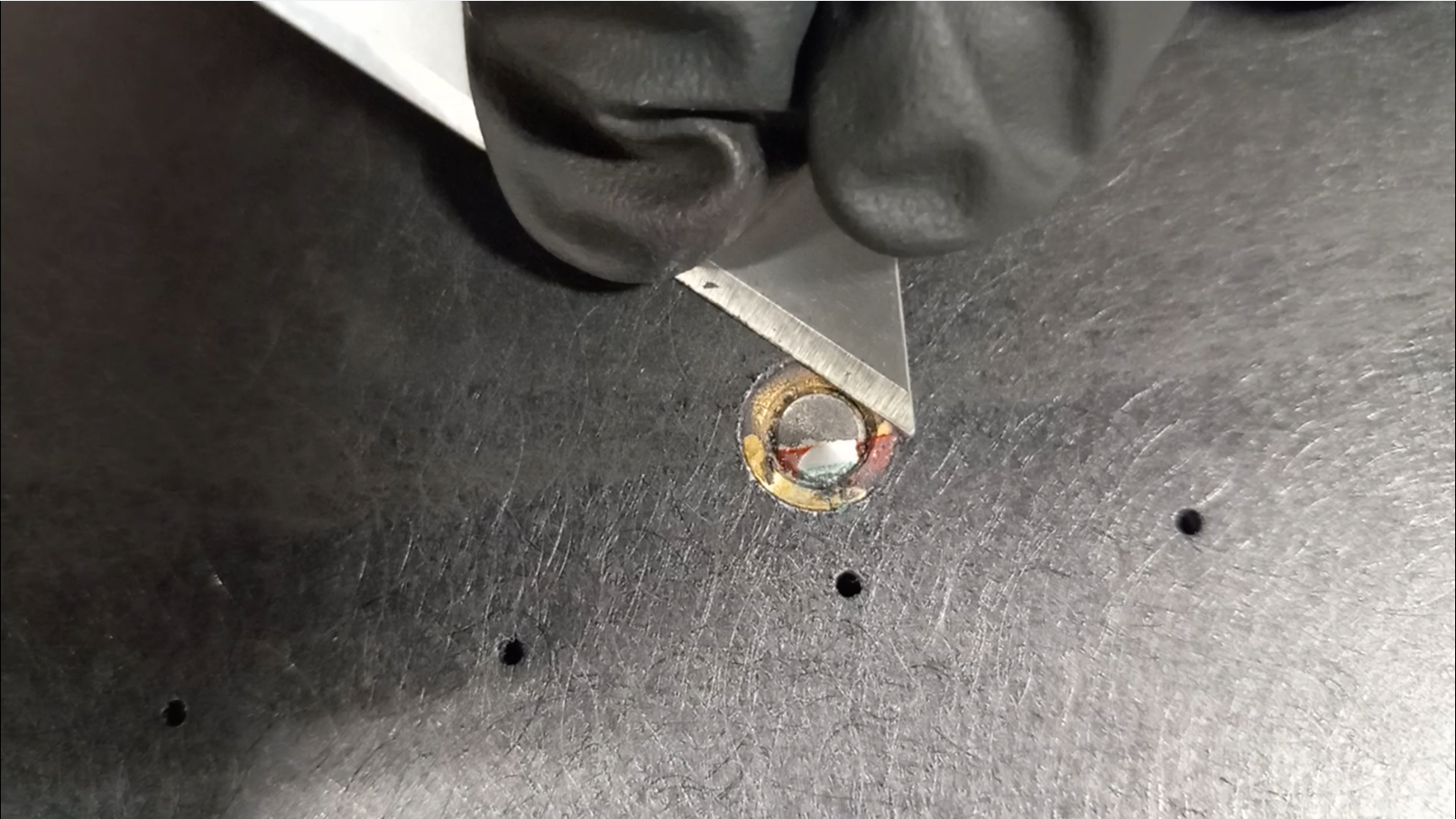
Important
Wipe entire equipment
Keep the equipment clean and dust-free.
Daily White Procedure
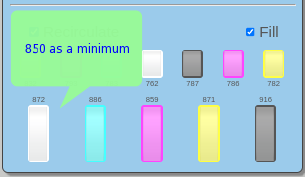
Make sure the white valve is ON allowing the white ink to recirculate.
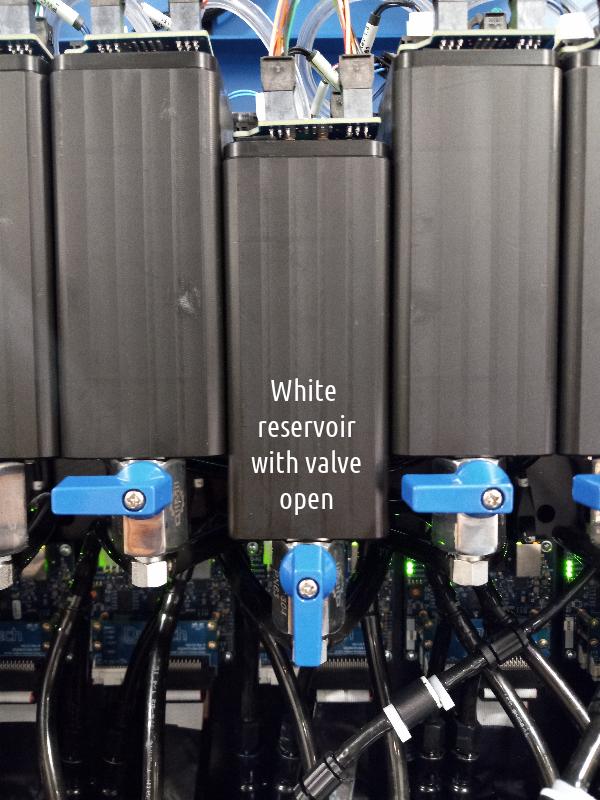
Make sure the bucket has enough white ink (850 level as a minimum) otherwise, the re- circulation will turn off.
Once a week Maintenance Requirement
Important
The following checklist must be completed before to start production day.
The customer is responsible for all the items on the checklist and must to follow all the procedures related below to ensure good equipment operation and quality output jobs.
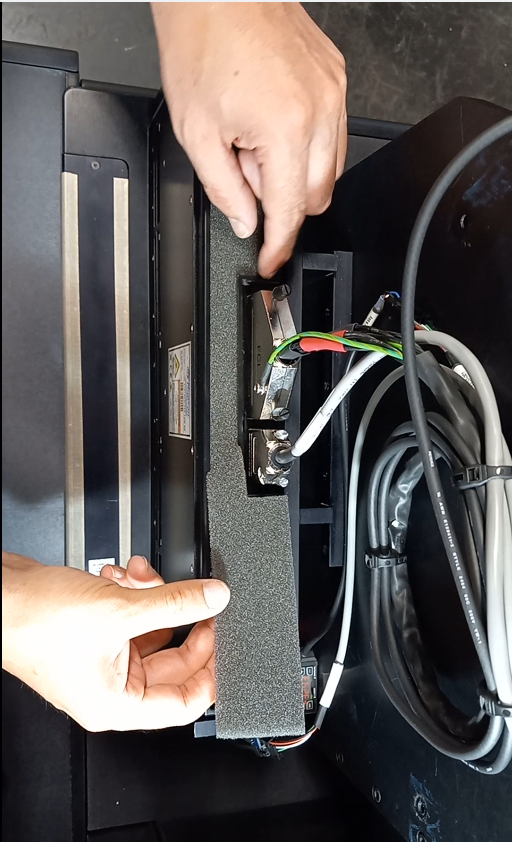
Changing fans and UV lamps filters
Important
Clog filters can cause overheating electronics, low performance and damage the boards. Maintenance type: Preventive Maintenance Frequency: Once a week
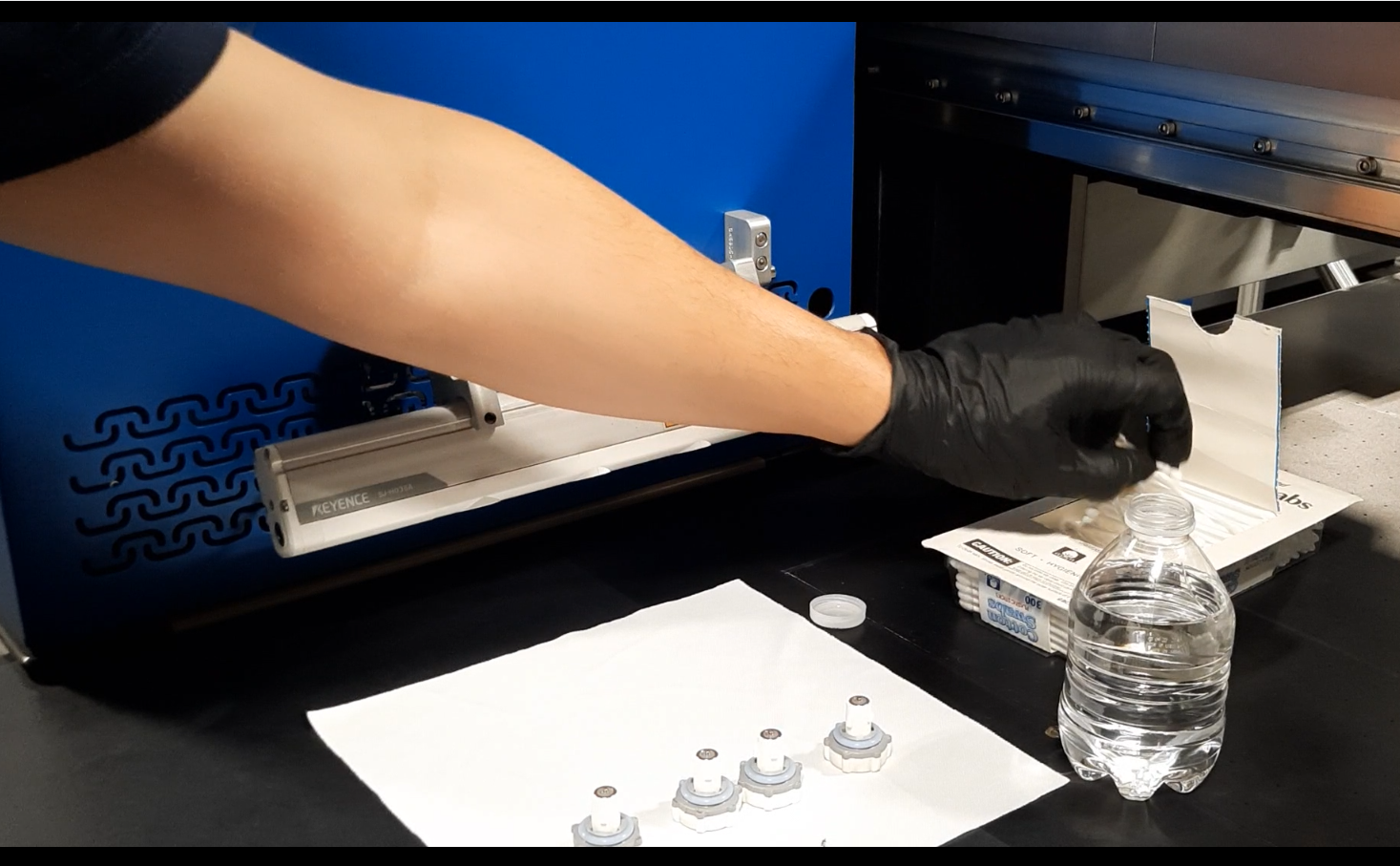
Wiping the Ionizer bar
Important
Dirty nozzles will cause low performance and static issues. Maintenance type: Preventive Maintenance Frequency: Once a week
Turn off the Ionizer power from the GUI
Unplug the ionizer nozzle
Wipe the ionizer nozzle with a cute tip embed with IPA
Plug back in the ionizer nozzle
Turn on the Ionizer power from the GUI
Follow the [Video] for a full reference xxxx
Waste Bucket Maintenance
Important
Full bucket may overflow.
Maintenance type: Preventive
Maintenance Frequency: Every two weeks
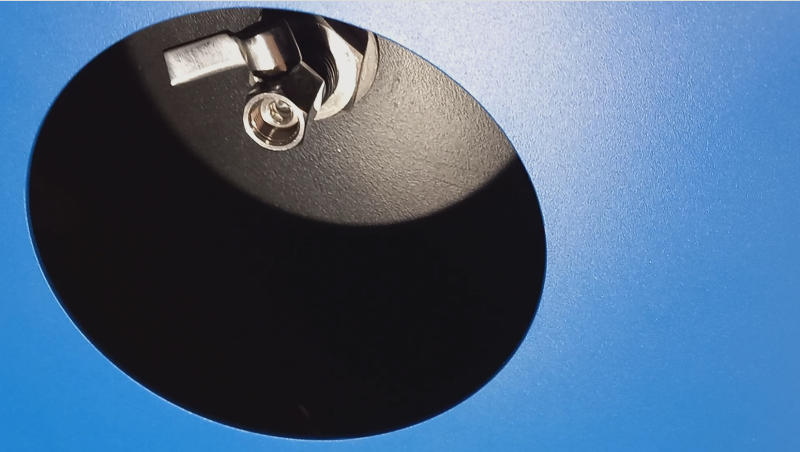
Place a 5 gallon bucket under the waste bucket located at the left side underneath the printhead carriage.
Important
Waste ink is classified as industrial waste. Dispose of waste ink according to your local laws and regulations such as entrusting it to an industrial waste disposal company.
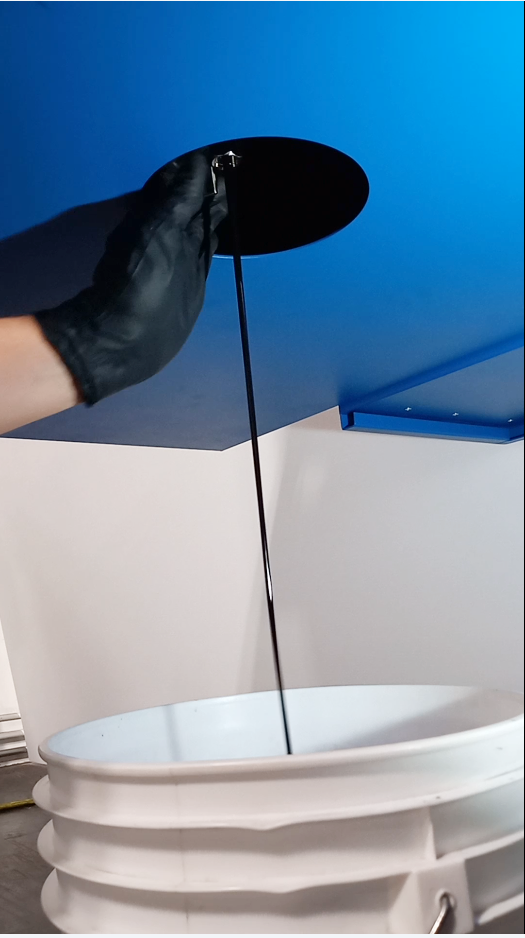
Open the valve to drain out the ink.
When finish close the valve and wipe the drain valve.
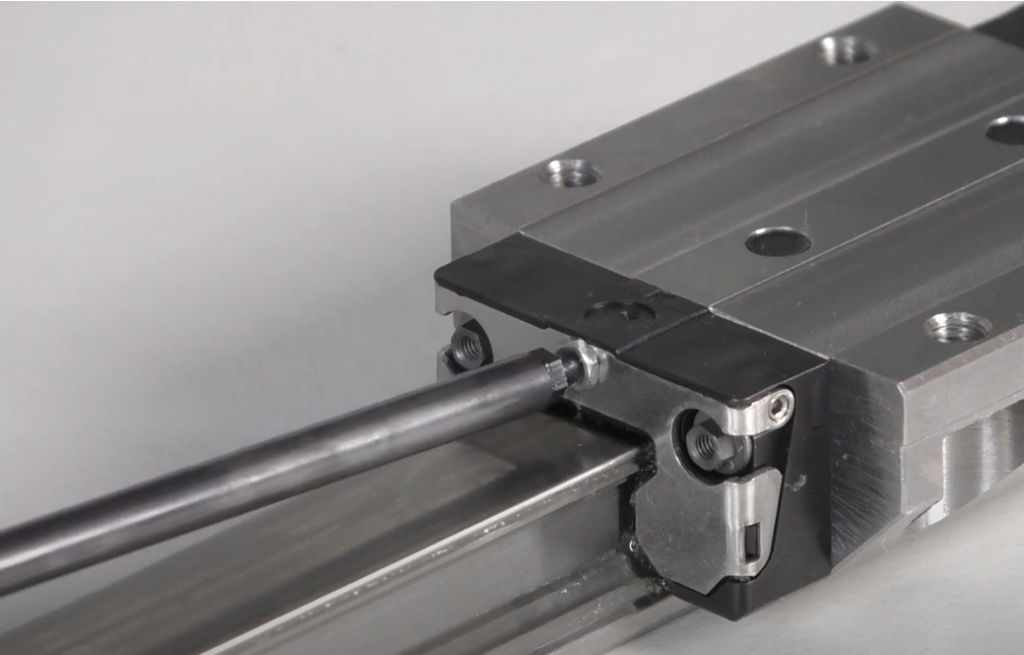
Greasing the bearings
Important
Maintenance type: Preventive
Maintenance Frequency: Every two weeks
Follow the [Video] for a full reference
Changing ink filters
Important
Clog filters will cause ink starvation.
Maintenance type: Preventive
Maintenance Frequency: 1 month- 3 months - 6 months. Depending of operating hours the interval will be more frequent.